
Point of Sale (POS) Systems Quietly Power Your Routine
Whether you are grabbing a morning coffee, buying groceries, or paying for parking, you interact with a Point of Sale (POS) system multiple times a day.
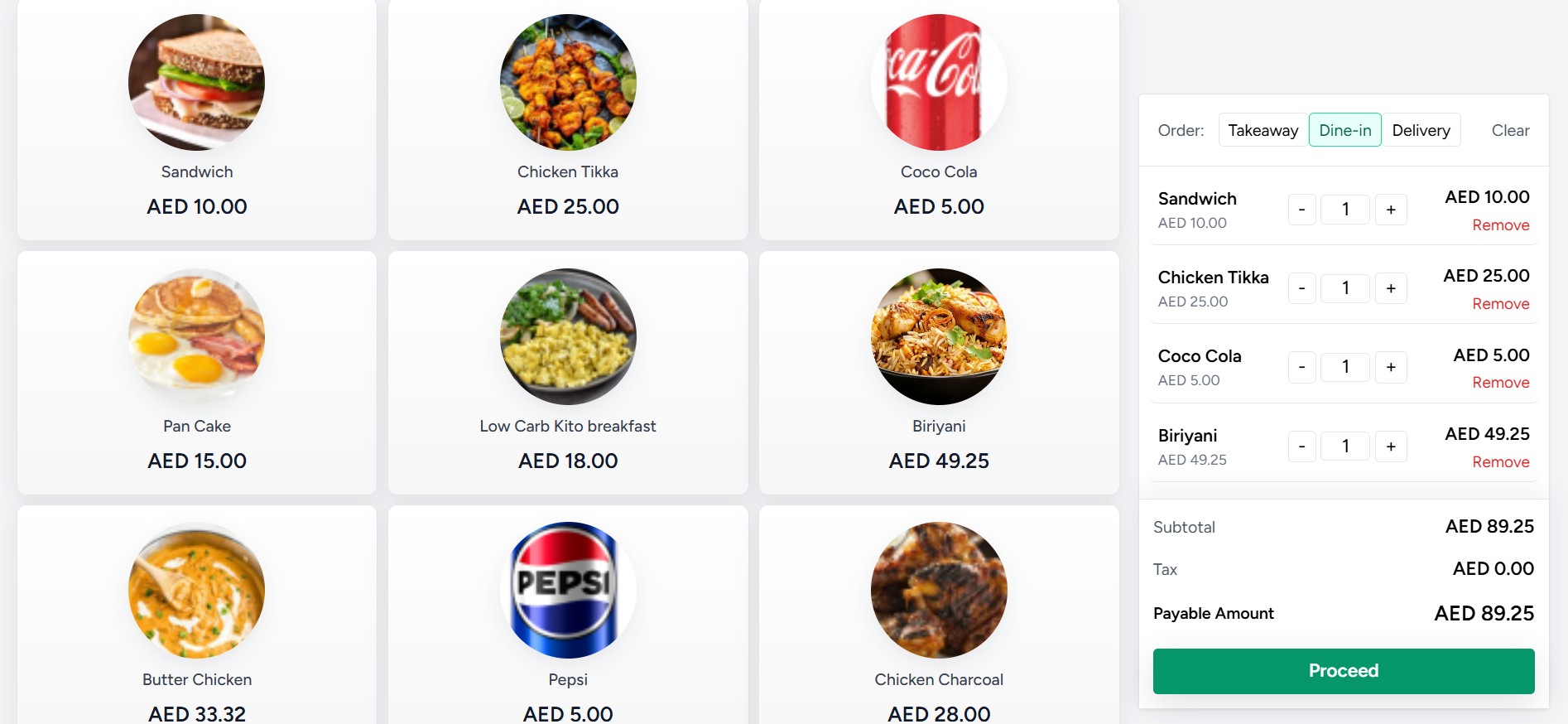
- Online Demo available for Point-Of-Sale Web App General Store : (User ID : cashier | Password : welcome)
- Online Demo available for Point-Of-Sale Web App Restaurant : (User ID : cashier / w1 | Password : welcome)
At its core, a POS is the exact time and place where a retail transaction is completed—the modern, digital evolution of the old-school cash register. It calculates the amount owed, processes the payment, and updates inventory in the background.
Here is how POS systems quietly power your routine, split by the different environments you encounter daily.
1. The Retail Experience (Groceries, Clothes, Convenience Stores)
This is the most visible type of POS. When you check out at a supermarket, the terminal does much more than just read barcodes.
- Barcode Scanners & Scales: Instantly pull the price of an item and weigh loose produce to calculate cost in real time.
- Inventory Sync: The second an item is scanned, the store’s central database automatically subtracts it from stock levels, preventing shortages.
- Self-Checkout Kiosks: Customer-facing POS systems that integrate weight sensors to ensure the item scanned matches the item placed in the bagging area.
2. The Hospitality Experience (Cafés, Restaurants, Food Trucks)
In food service, POS systems act as the communication bridge between the front counter and the kitchen.
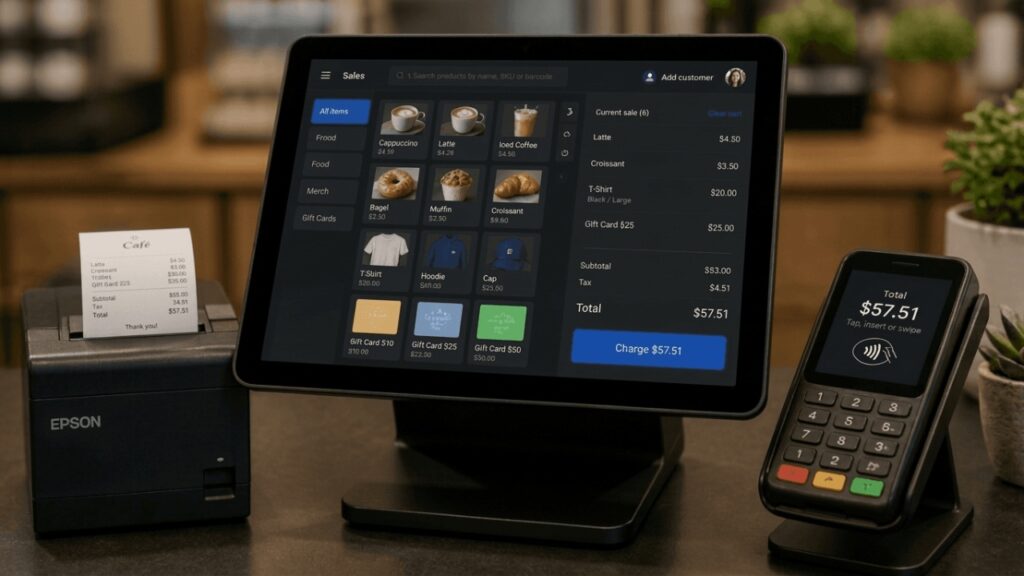
- Kitchen Display Systems (KDS): When a barista or server taps your order onto a tablet POS, the ticket is instantly sent to a digital screen in the kitchen or behind the bar, eliminating paper tickets.
- Tableside Ordering: Mobile tablet POS units allow servers to take your order and swipe your card directly at your table, speeding up table turnover.
3. Service & Transportation (On-the-Go)
POS systems have become highly mobile, transforming how we pay for services outside of traditional stores.
- mPOS (Mobile Point of Sale): Delivery drivers, plumbers, and market vendors use smartphone-connected card readers (like Square or SumUp) to accept payments anywhere with cellular service.
- Contactless Transit: Tapping your smartwatch or credit card directly at a subway turnstile or on a bus uses a specialized, high-speed POS terminal integrated into the transit gate.
How a Standard POS Transaction Flows
While it takes only a few seconds for you, a standard retail POS handles a structured, multi-step process for every single transaction:
1.Item Scanning:Step 1.
The cashier or customer scans the item’s barcode. The POS hardware pulls the product name and price from the local or cloud database.
2.Total Calculation:Step 2.
The software aggregates the items, applies any active discounts or loyalty rewards, and automatically calculates the relevant regional sales taxes.
3.Payment Authorization:Step 3.
The customer selects a payment method (Cash, Card, or Contactless/NFC). If digital, the POS securely sends an encrypted request to the payment gateway to approve the funds.
4.Inventory & Receipt Generation:Step 4.
Once approved, the POS updates the inventory database, registers the sale in the daily revenue ledger, and generates a physical or digital receipt.
Behind the Scenes: The Core Components
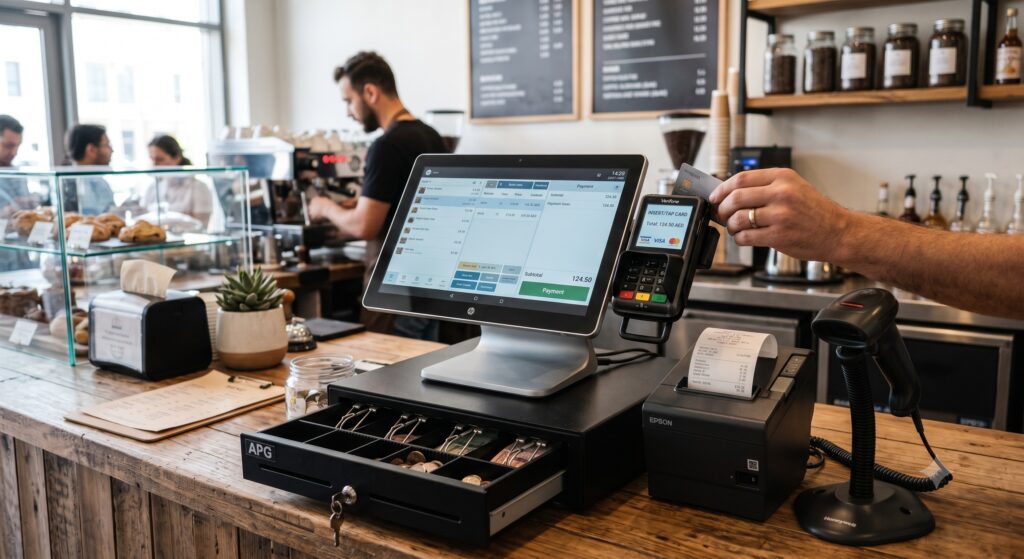
A modern setup is a mix of specialized physical equipment and cloud software working together seamlessly.
| Hardware Components | Software Capabilities |
| Terminal Display: The touchscreen interface used to input orders. | Sales Reporting: Tracks daily revenue, profit margins, and peak transaction hours. |
| Card Reader (EMV/NFC): Processes chip cards, magnetic strips, and contactless phone payments. | Inventory Management: Tracks stock levels and alerts managers when items run low. |
| Receipt Printer: Outputs physical proofs of purchase or triggers digital emails. | CRM & Loyalty: Remembers customer profiles, points balance, and past purchases. |
| Cash Drawer: Safely stores physical currency, opening only via software command on completion of a cash sale. | Employee Tracking: Logs staff clock-in times and attributes sales to specific team members. |