
Computer Networking
Whether you are setting up a small office network, connecting enterprise servers, or just trying to figure out why the Wi-Fi is acting up, computer networking comes down to one core concept: how devices find each other and share data securely and efficiently.
At its heart, a network is just a collection of computers, servers, and peripherals connected together. Here is a foundational look at how it all works.
1. The Core Hardware
To get data from Point A to Point B, you need physical (or wireless) infrastructure. The four most critical components are:
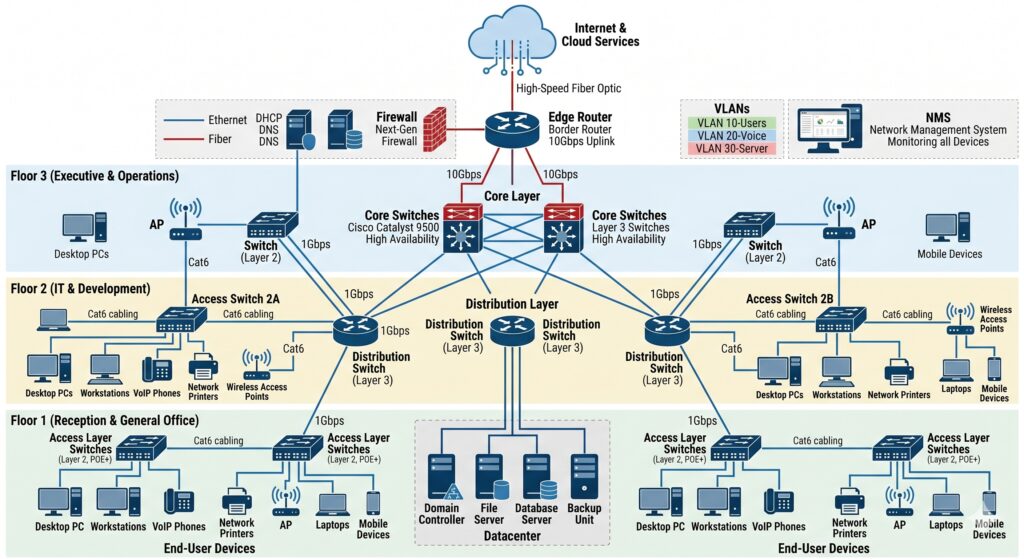
- Routers: The “traffic cops” of the internet. A router connects completely different networks (like your private office network to the public internet) and determines the best path for data to travel across them.
- Switches: The internal managers. A switch connects devices within the same network (like linking five computers, a printer, and a server in one office). It uses MAC addresses (unique hardware IDs) to send data only to the specific device it’s meant for.
- Access Points (APs): These extend the network wirelessly, allowing devices to connect via Wi-Fi instead of running physical ethernet cables back to a switch.
- Firewalls: The security guards. They monitor incoming and outgoing network traffic based on predetermined security rules to block unauthorized access.
2. How Data Moves: The OSI Model
When you send an email or load a webpage, that data doesn’t travel as one giant file. It gets broken down into tiny pieces called packets. To standardize how this happens across different manufacturers, the industry uses the OSI (Open Systems Interconnection) Model.
Think of it as an assembly line with 7 layers, though in daily IT work, you will deal with these four the most:
+-----------------------------------------------------------+
| Layer 7: Application | HTTP, FTP, SMTP (What the user sees) |
+-----------------------------------------------------------+
| Layer 4: Transport   | TCP/UDP (Manages data flow & ports)  |
+-----------------------------------------------------------+
| Layer 3: Network     | IP Addresses & Routers (Routing data)|
+-----------------------------------------------------------+
| Layer 2: Data Link   | MAC Addresses & Switches (Local delivery)|
+-----------------------------------------------------------+
3. Addressing: How Devices Find Each Other
For two devices to talk, they need to know exactly where the other is located. This requires two types of addresses:
IP Addresses (Layer 3)
A logical, changeable address assigned to a device on a network.
- IPv4: The traditional format (e.g.,
192.168.1.1). It uses a 32-bit address space, which maxes out at about 4.3 billion unique addresses. - IPv6: The modern format (e.g.,
2001:db8::ff00:42:8329). It uses 128-bit addressing to provide virtually infinite numbers of addresses, solving the global shortage of IPv4 space.
MAC Addresses (Layer 2)
A physical, permanent 12-character alphanumeric ID burned into a device’s Network Interface Card (NIC) at the factory (e.g., 00:1A:2B:3C:4D:5E). IP addresses get data to the right network; MAC addresses deliver it to the exact machine.
4. Crucial Network Protocols
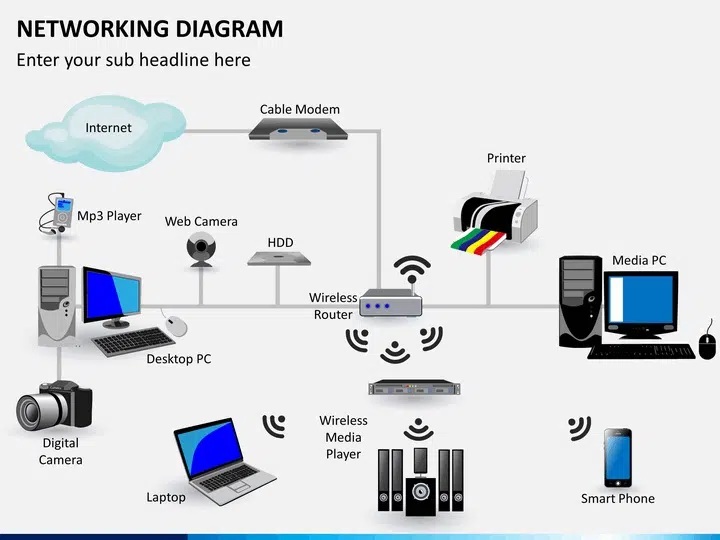
Protocols are simply the rules that devices agree to follow when communicating. A few of the heavy lifters include:
- TCP vs. UDP: TCP (Transmission Control Protocol) is reliable; it checks if packets arrived safely and puts them back in order (used for web browsing and emails). UDP (User Datagram Protocol) is fast; it fires off packets without checking if they made it (used for live video streaming and gaming).
- DHCP (Dynamic Host Configuration Protocol): Automatically hands out IP addresses to devices when they connect to a network so you don’t have to configure them manually.
- DNS (Domain Name System): The phonebook of the internet. It translates human-friendly names (like
google.com) into computer-friendly IP addresses (like142.250.190.46).
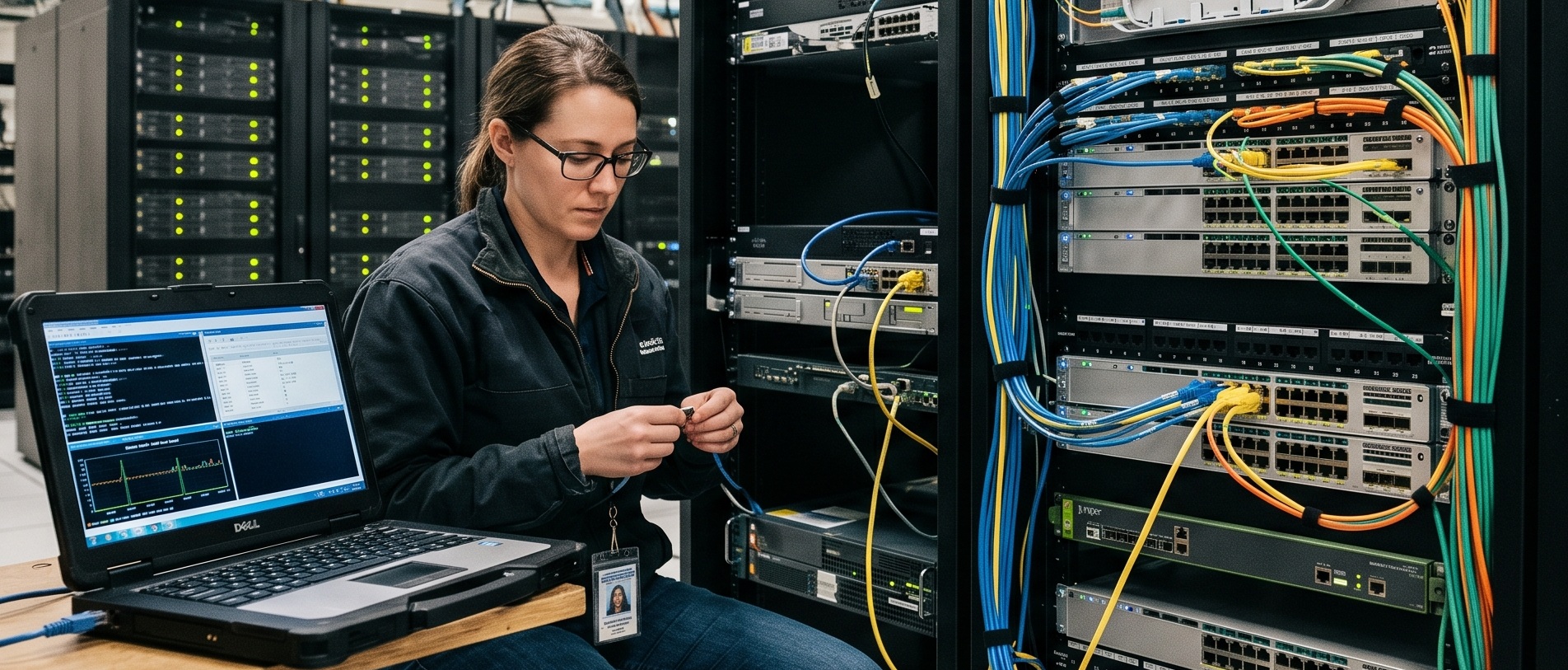
Yes, modern structure network cabling is very much needed. It’s help us to fast-track troubleshooting to avoid down time.
Cable Labelling and vlan tagging will help IT Support Team to fast track the problem areas.
Thank You for your valuable feedback.